
SKILL.md
3,640 bytesOpen “Read skill files” to load this pinned file inside Edge.Add interactive 3D to a web page: a spinning product, a lit hero scene or a 3D moment that still loads fast.
Signal describes package standing, not measured performance.
Meng To's Three.js playbook for designers. It sets up the scene, camera, renderer and render loop, picks lights and materials, loads GLTF models, adds orbit controls, and keeps the page fast with pixel-ratio caps, texture limits and cleanup. Use it to build or debug a 3D moment on the web.
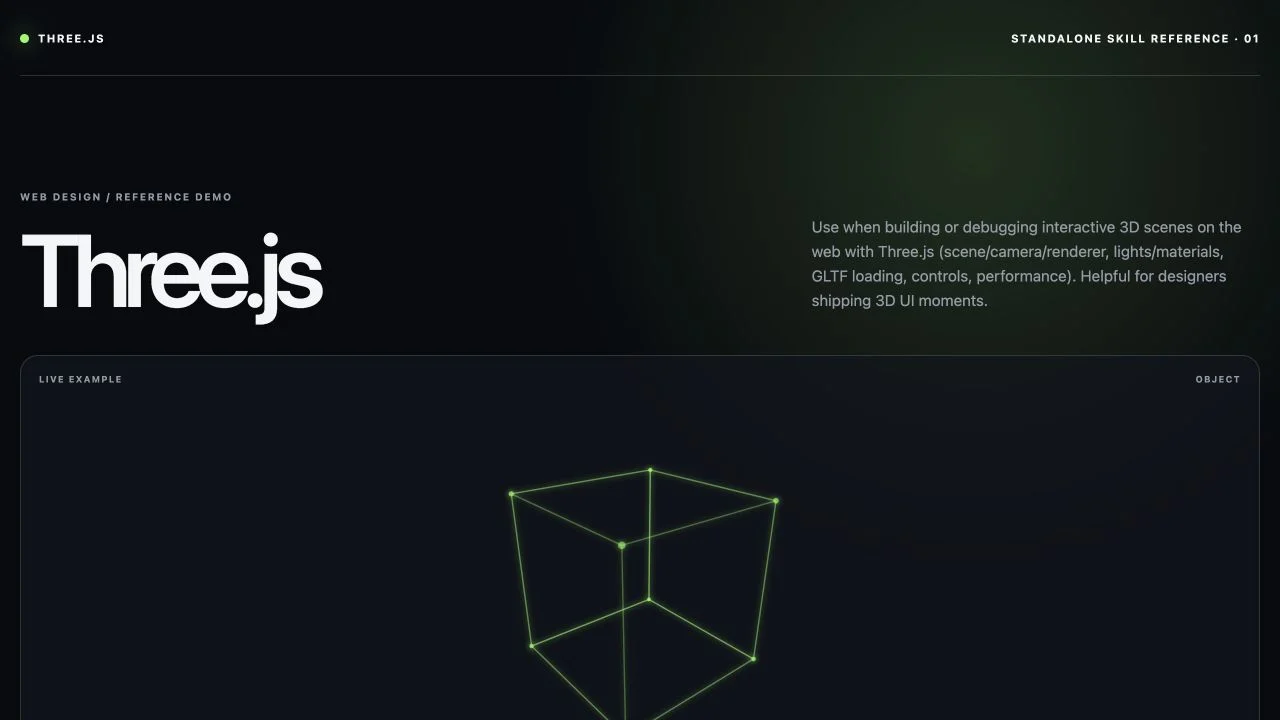
The image below is Meng To's own reference demo, shipped in the skill's demo folder. Edge did not run or edit it. This is a showcase of the skill's output, not a comparative evaluation.
What you can inspect
Package instructions + 1 worked exampleThese materials show the intended workflow. They do not support a measured performance claim.Open “Read skill files” to load this pinned file inside Edge.Add interactive 3D to a web page: a spinning product, a lit hero scene or a 3D moment that still loads fast.
Package available. Versioned package and files available. The 1 worked examples explain the intended workflow; they are not recorded model runs.
Created by Meng To. The installable package is distributed through the public getedgehq skills collection.
Meng ToAuthor of MengTo/skills, Meng ToEvery file from the pinned package is available here. SKILL.md opens first.
Open “Read skill files” to load this pinned file inside Edge.