
SKILL.md
2,589 bytesOpen “Read skill files” to load this pinned file inside Edge.Turn your real AI usage into a festival lineup poster, painted in Python.
Signal describes package standing, not measured performance.
Scans your local Claude Code and Codex logs (plus an optional ChatGPT export), counts the sessions in which each tool, model and MCP server was actually used, books the most-used as headliners across Build, Think and Create days, and paints a desert-at-dusk festival scene with brush strokes. No image model, no invented acts.
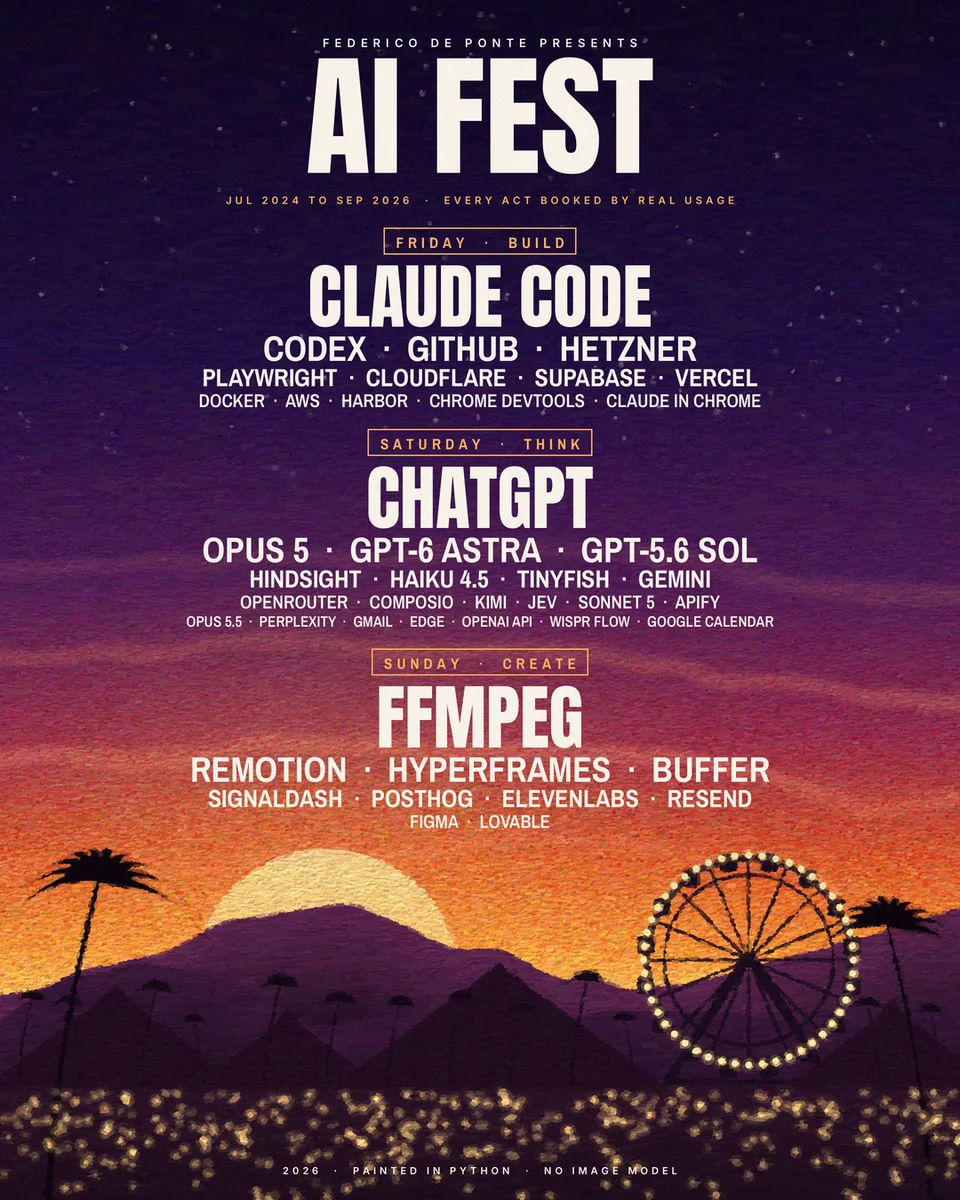
The poster below is the actual output of scripts/render_poster.py on one person's real usage counts. Headliners are the most-used tool per day; nothing was added by hand. This is a showcase, not a comparative evaluation.
What you can inspect
Package instructions + 1 worked exampleThese materials show the intended workflow. They do not support a measured performance claim.Open “Read skill files” to load this pinned file inside Edge.Turn your real AI usage into a festival lineup poster, painted in Python.
Package available. Versioned package and files available. The 1 worked examples explain the intended workflow; they are not recorded model runs.
Created by Edge. The installable package is distributed through the public getedgehq skills collection.
Federico De PonteFounder, EdgeEvery file from the pinned package is available here. SKILL.md opens first.
Open “Read skill files” to load this pinned file inside Edge.